 Animania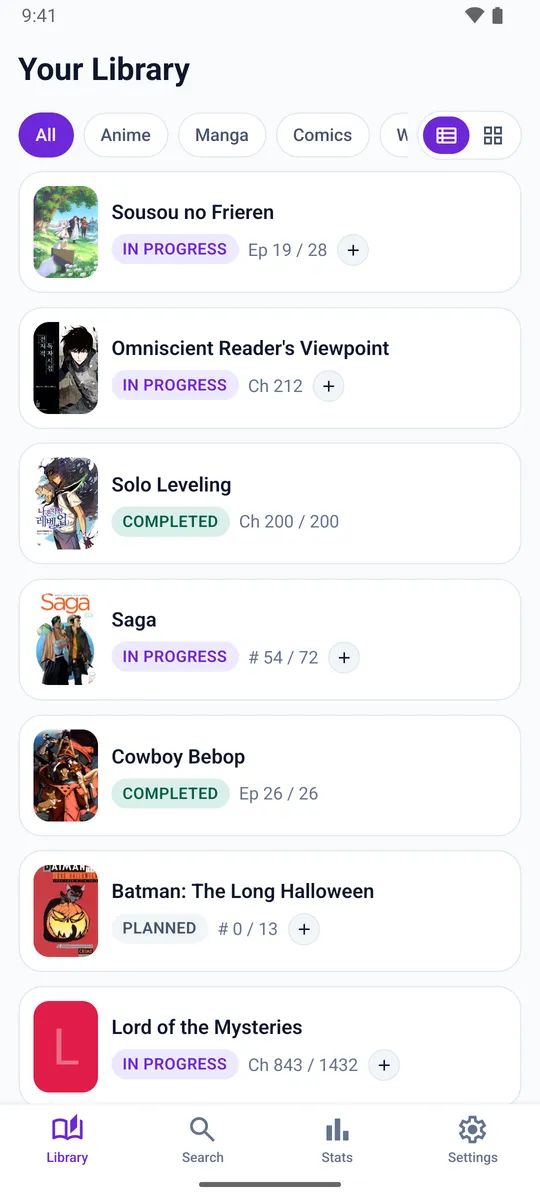
Progress in one tap
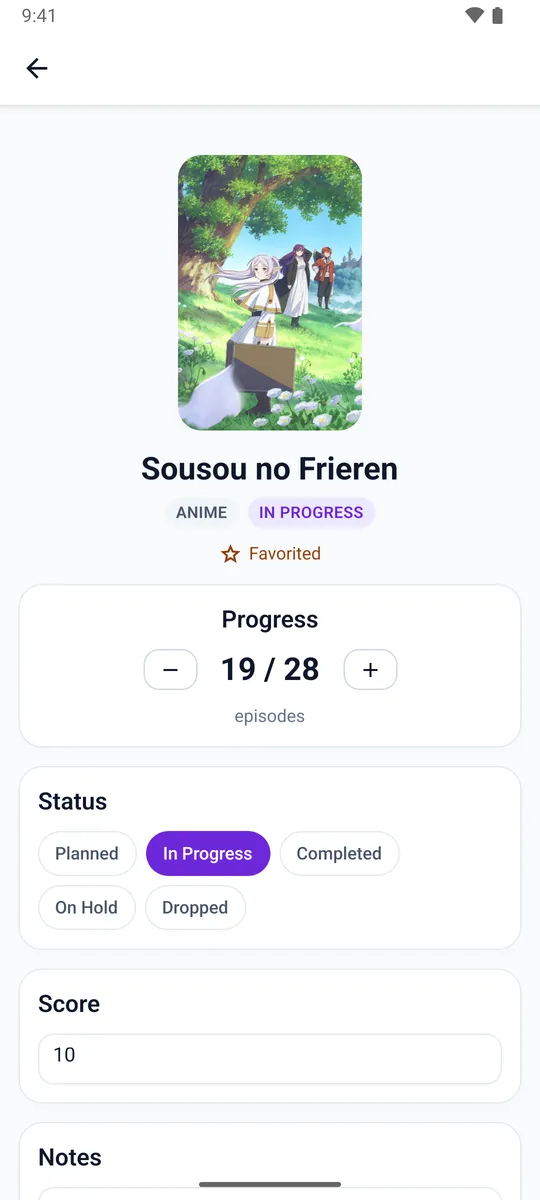
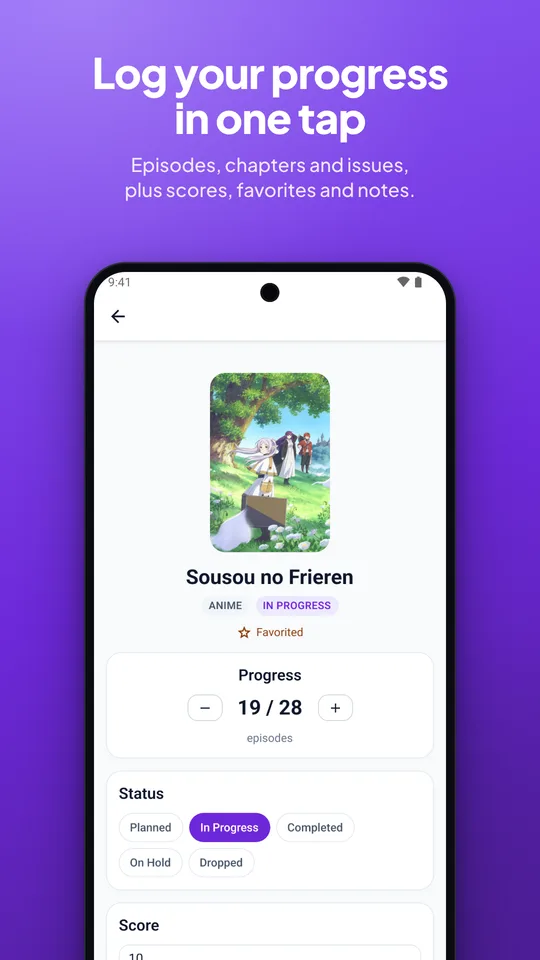
Tap + on any title for the next episode or chapter, or hold it to fast-forward through a binge. Mark things completed, on hold or dropped, rate them out of 10, pick favorites and keep notes.
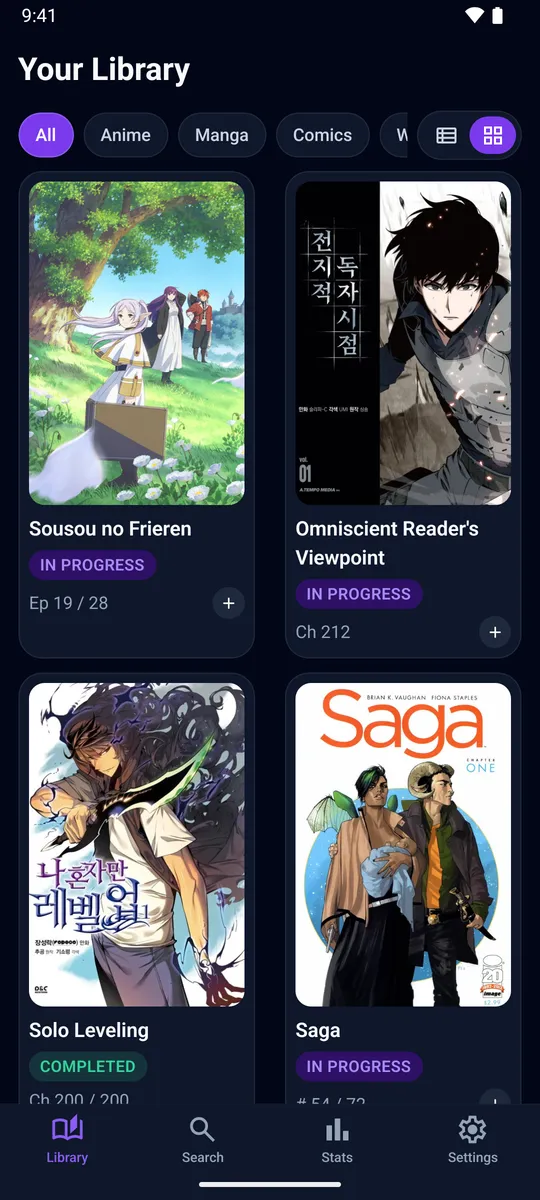
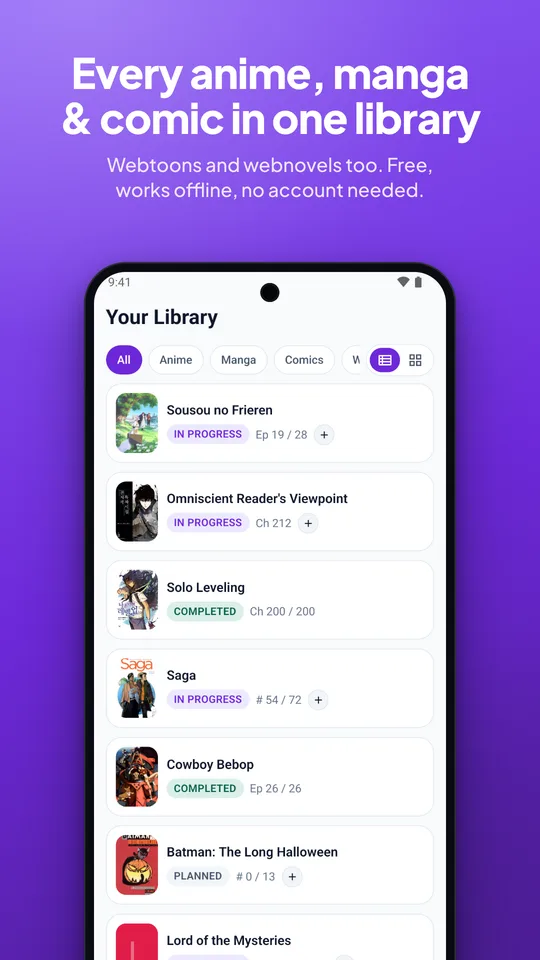
One library for everything you watch and read. Log an episode with one tap, keep a daily streak going, and add any title in seconds. It works offline, and you don't need an account.
Stop keeping one app for anime, a spreadsheet for manga and your memory for everything else.
Tap + on any title for the next episode or chapter, or hold it to fast-forward through a binge. Mark things completed, on hold or dropped, rate them out of 10, pick favorites and keep notes.
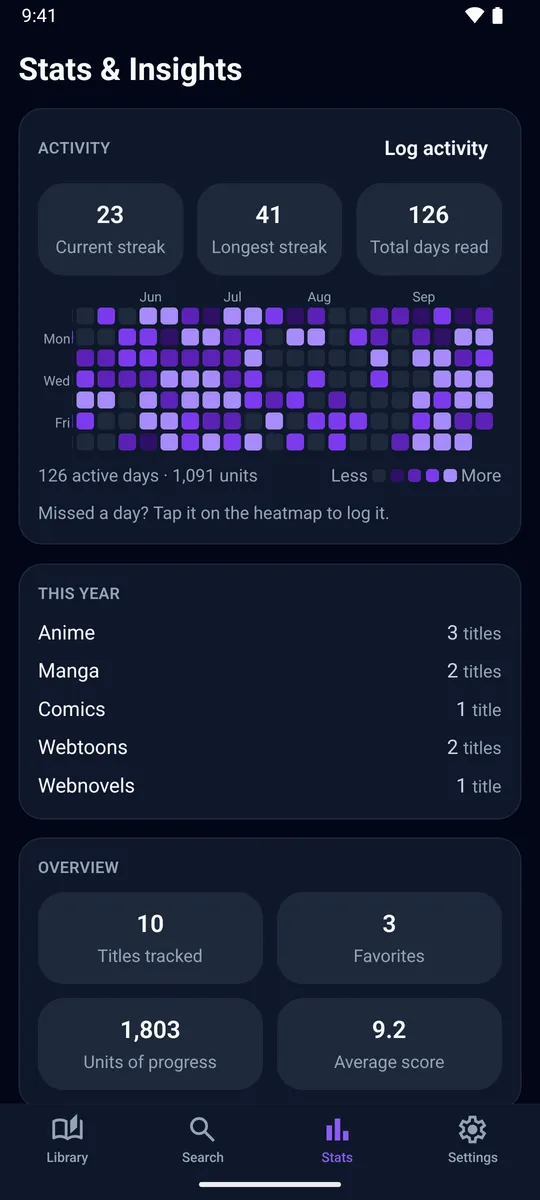
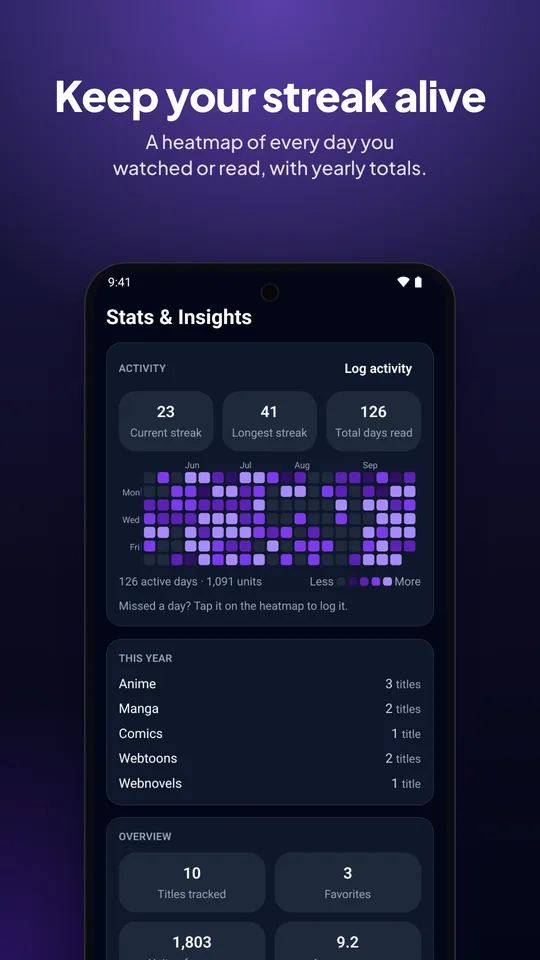
Every day you watch or read lands on a year-long heatmap. See your current and longest streak and how many titles of each kind you got through this year. Forgot to log a day? Tap it and fill it in.
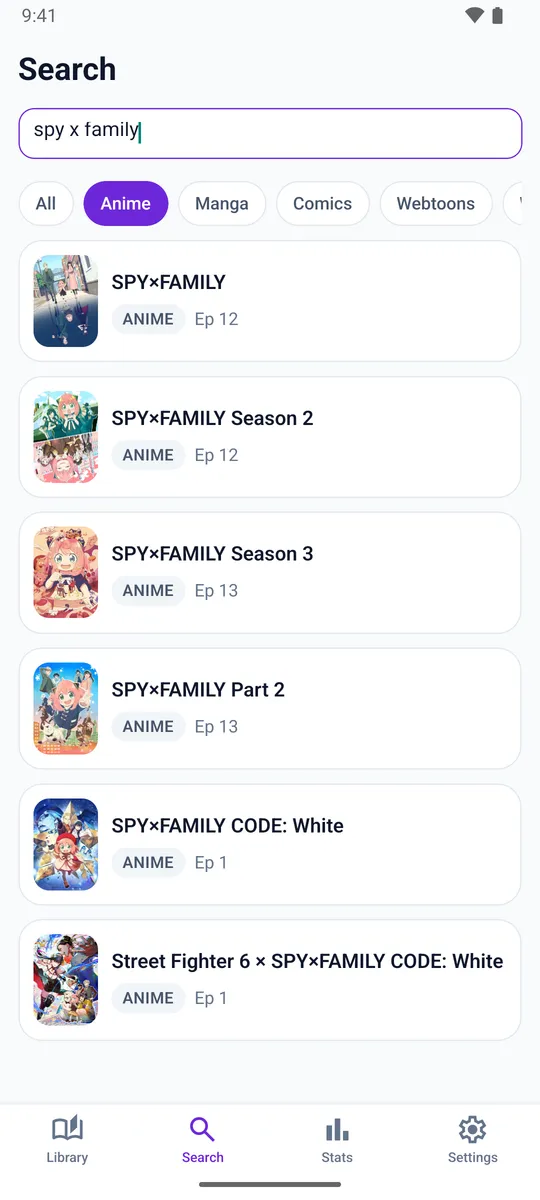
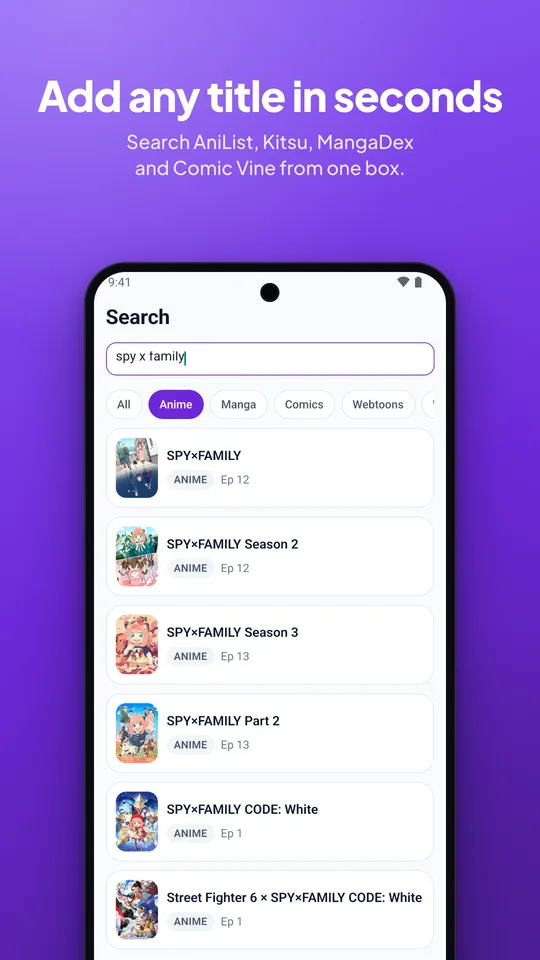
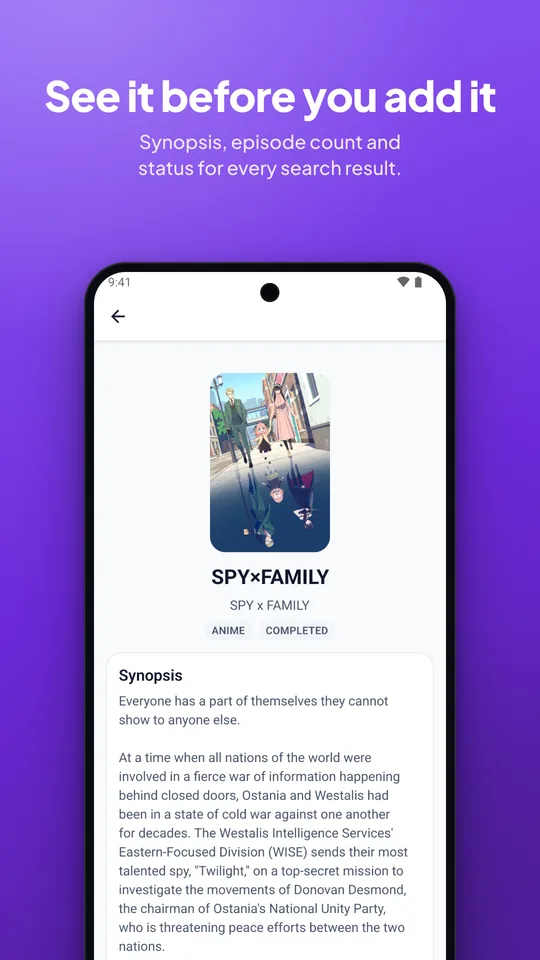
Search AniList, Kitsu, MangaDex and Comic Vine from one box and look at a title before it goes in your library. Can't find something? Add it yourself, cover and all.
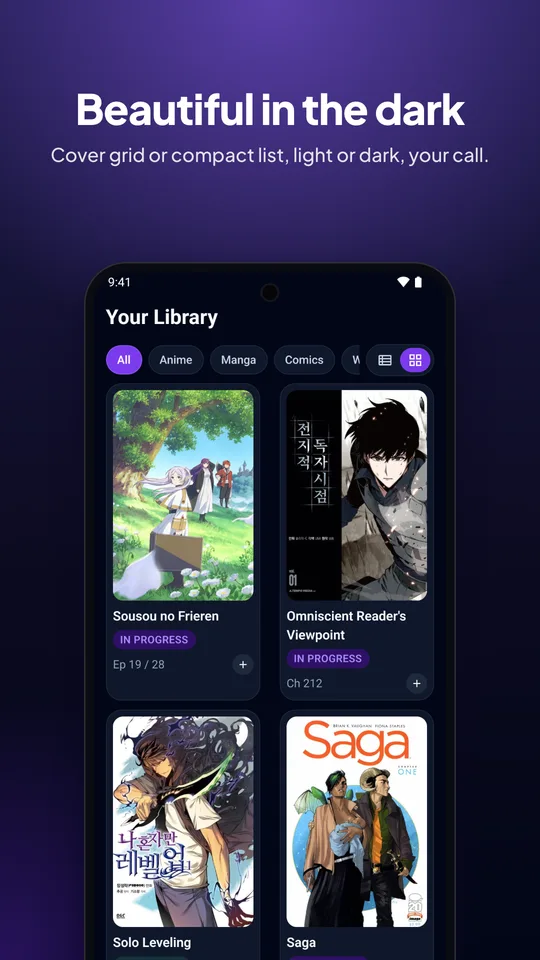
Switch between a compact list and a cover grid, in light or dark. Animania follows your phone's theme.
Animania is built to work without us. Sign in only if you want your library on more than one device.
Your library is stored on your device. Browse it and log progress on a plane or deep underground.
Open it and start tracking. Sync is optional: sign in with a link sent to your email, no password.
No ads, no analytics, no in-app purchases, and we never sell your data. Read the privacy policy.

Yes. There are no ads, no in-app purchases and no paid tier. Sync and stats are free for everyone.
No. Everything works without one, and your library is saved on your phone. An account only adds sync, so the same library shows up on your other devices. You sign in with a link we email you. There's no password to remember.
Anime and manga come from AniList (with Kitsu as a backup), comics from Comic Vine and webtoons from MangaDex. Webnovels have no public database, so you add those yourself. Animania isn't affiliated with any of these services, and cover art belongs to its respective owners.
It's on its way. Until then you can install the APK from this page. Your library is kept when you install newer versions over the old one. Sign in before switching installs and your library comes with you.
Not yet. An App Store release is planned after the Android one.
In the app, open Settings and tap Delete account. That removes your account and everything synced to it. See deleting your account for details, or if you no longer have the app.
Email bagus@webappbagus.com. Bug reports and title requests are both welcome.